---
title: Introducing the New Login Modal and Idle Session Timeout
author: admin
type: post
date: 2016-06-13T18:31:02+00:00
url: /introducing-the-new-login-modal-and-idle-session-timeout/
sf_thumbnail_type:
- none
sf_thumbnail_link_type:
- link_to_post
sf_detail_type:
- none
sf_page_title:
- 1
sf_page_title_style:
- standard
sf_no_breadcrumbs:
- 1
sf_page_title_bg:
- none
sf_page_title_text_style:
- light
sf_background_image_size:
- cover
sf_social_sharing:
- 1
sf_sidebar_config:
- left-sidebar
sf_left_sidebar:
- Sidebar-2
sf_right_sidebar:
- Sidebar-1
sf_caption_position:
- caption-right
categories:
- Administration
---
With the latest release of Hue 3.10, we've added an additional security feature for Hue administrators to enforce and manage idle session timeouts in Hue. We've also improved the experience of re-authenticating into Hue when a user's session is timed out by introducing a new login modal.
Hue now offers a new property, `idle_session_timeout`, that can be configured in the hue.ini file:
{{< highlight bash >}}
[desktop]
[[auth]]
idle_session_timeout=600
{{< /highlight >}}
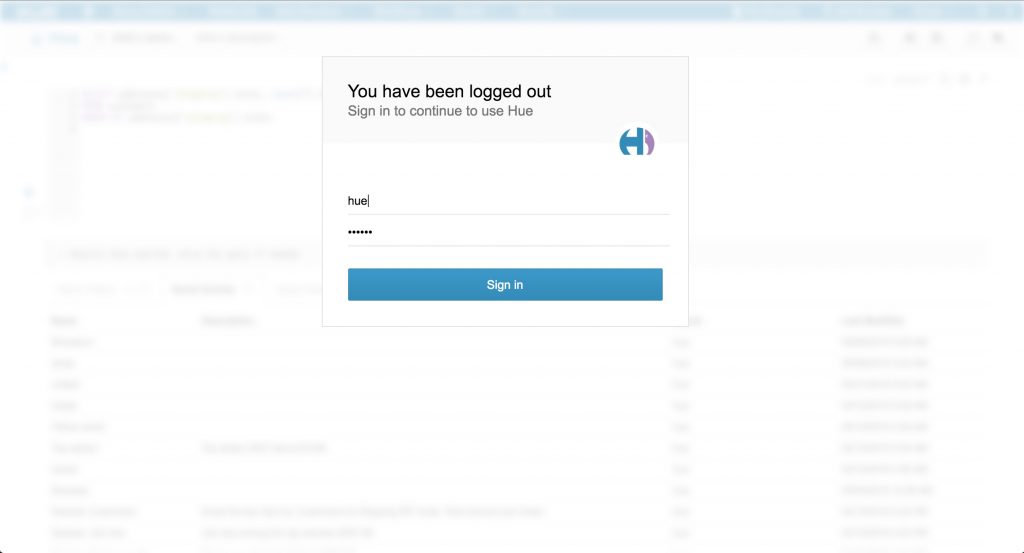
When `idle_session_timeout` is set, users will automatically be logged out after N (e.g. - 600) seconds of inactivity and be prompted to login again:
[ ][1]
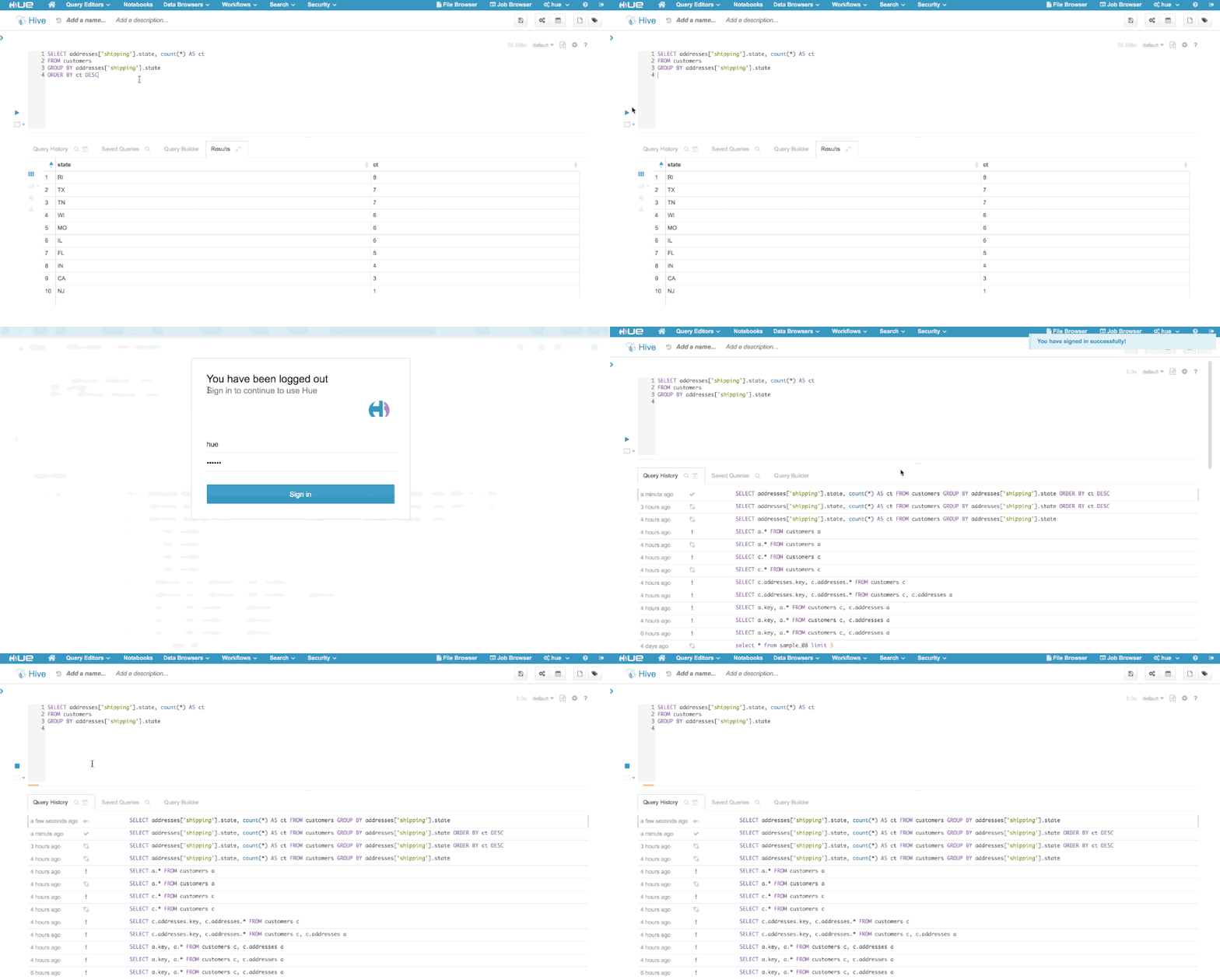
If a user's Hue session has timed out but the user still has an active Hive or Impala session open, a login modal will appear above the current view and allow the user to login and resume their current query session:
[
][1]
If a user's Hue session has timed out but the user still has an active Hive or Impala session open, a login modal will appear above the current view and allow the user to login and resume their current query session:
[ ][2]
Setting the `idle_session_timeout` to a negative number means that idle sessions will not be timed out. By default, the `idle_session_timeout` is set to -1.
If you have any questions, feel free to comment here or on the [hue-user][3] list or [@gethue][4]
[1]: https://cdn.gethue.com/uploads/2016/06/Screenshot-2016-06-06-15.14.52.jpg
[2]: https://cdn.gethue.com/uploads/2016/02/loginmodal.gif
[3]: http://groups.google.com/a/cloudera.org/group/hue-user
[4]: https://twitter.com/gethue
][2]
Setting the `idle_session_timeout` to a negative number means that idle sessions will not be timed out. By default, the `idle_session_timeout` is set to -1.
If you have any questions, feel free to comment here or on the [hue-user][3] list or [@gethue][4]
[1]: https://cdn.gethue.com/uploads/2016/06/Screenshot-2016-06-06-15.14.52.jpg
[2]: https://cdn.gethue.com/uploads/2016/02/loginmodal.gif
[3]: http://groups.google.com/a/cloudera.org/group/hue-user
[4]: https://twitter.com/gethue